

Chatbot Basics
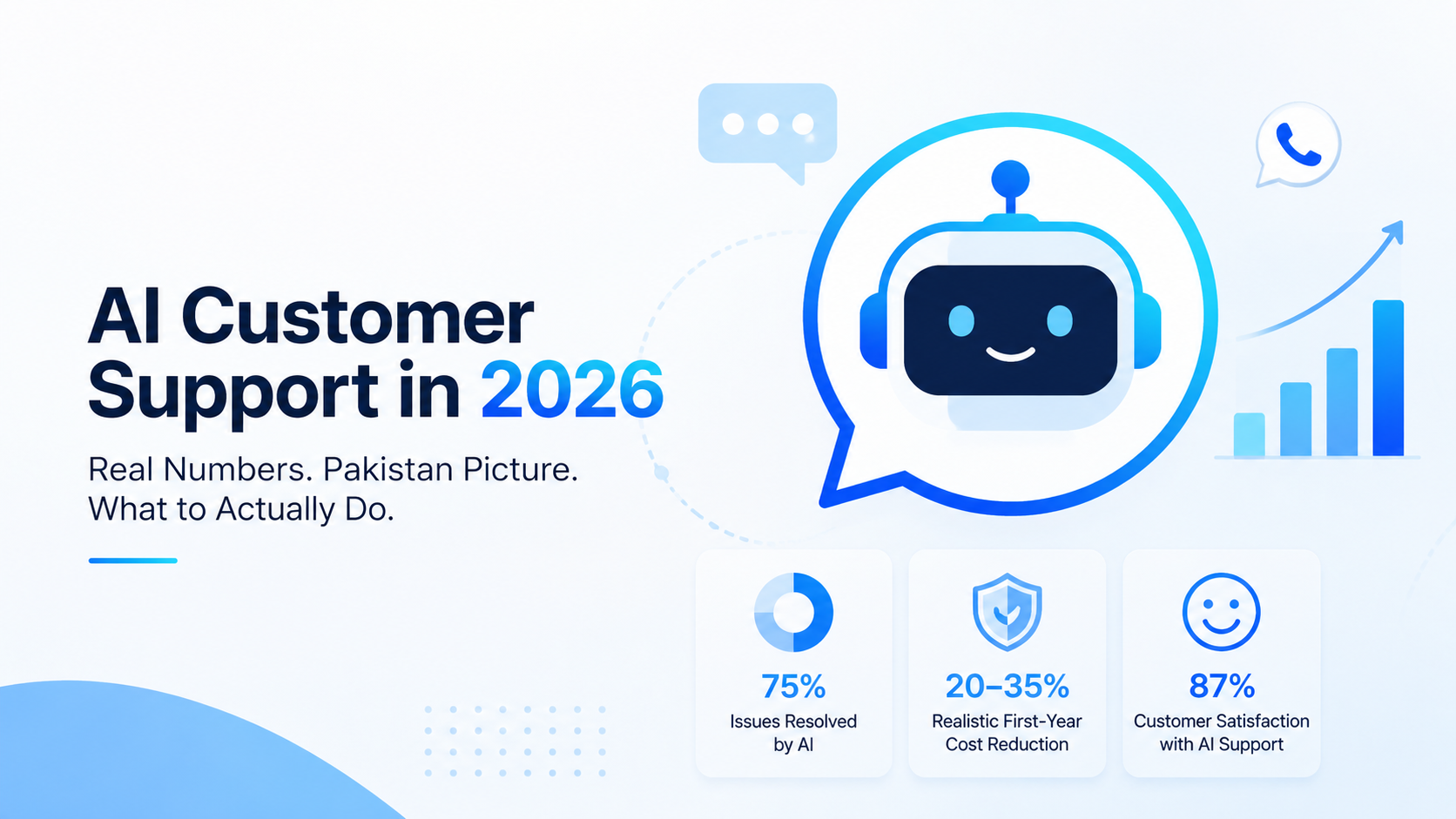
AI Customer Service Statistics 2026: ROI & Pakistan Trends
An insider’s overview of AI-powered customer support in 2026, with real figures, Pakistan-specific insights, cost reality checks, and practical takeaways.
10 min read
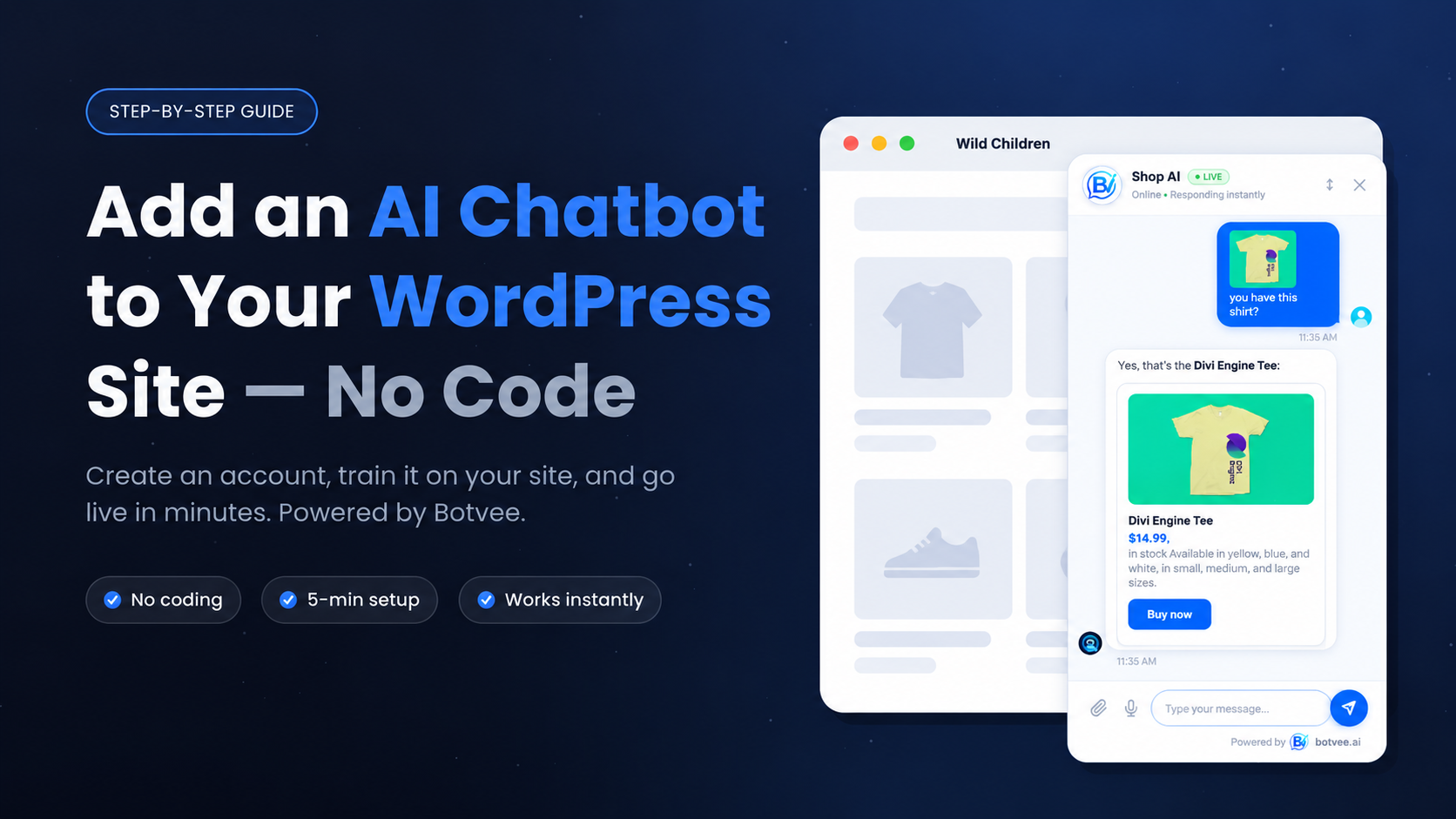
Botvee is a no-code AI chatbot that trains on your own website content and answers visitors in about 3 seconds. To add it to your WordPress site, you create a free Botvee account, train an AI agent on your pages, install the free plugin, and click connect. The whole setup takes under 5 minutes — no theme edits, no developer.
Summarize this post with AI
Botvee is a no-code AI chatbot that trains on your own content and answers visitors in about 3 seconds. To add it to WordPress, you'll create a free account, train an agent on your pages, install the plugin, and click connect. It's live in under 5 minutes — no code, no theme edits.
Before you start you'll need a WordPress site where you're an admin (WooCommerce works too), your website URL, and about five minutes.
No website? Read our guide on connecting Botvee to WhatsApp, Facebook, Instagram, and Telegram instead — no site required.
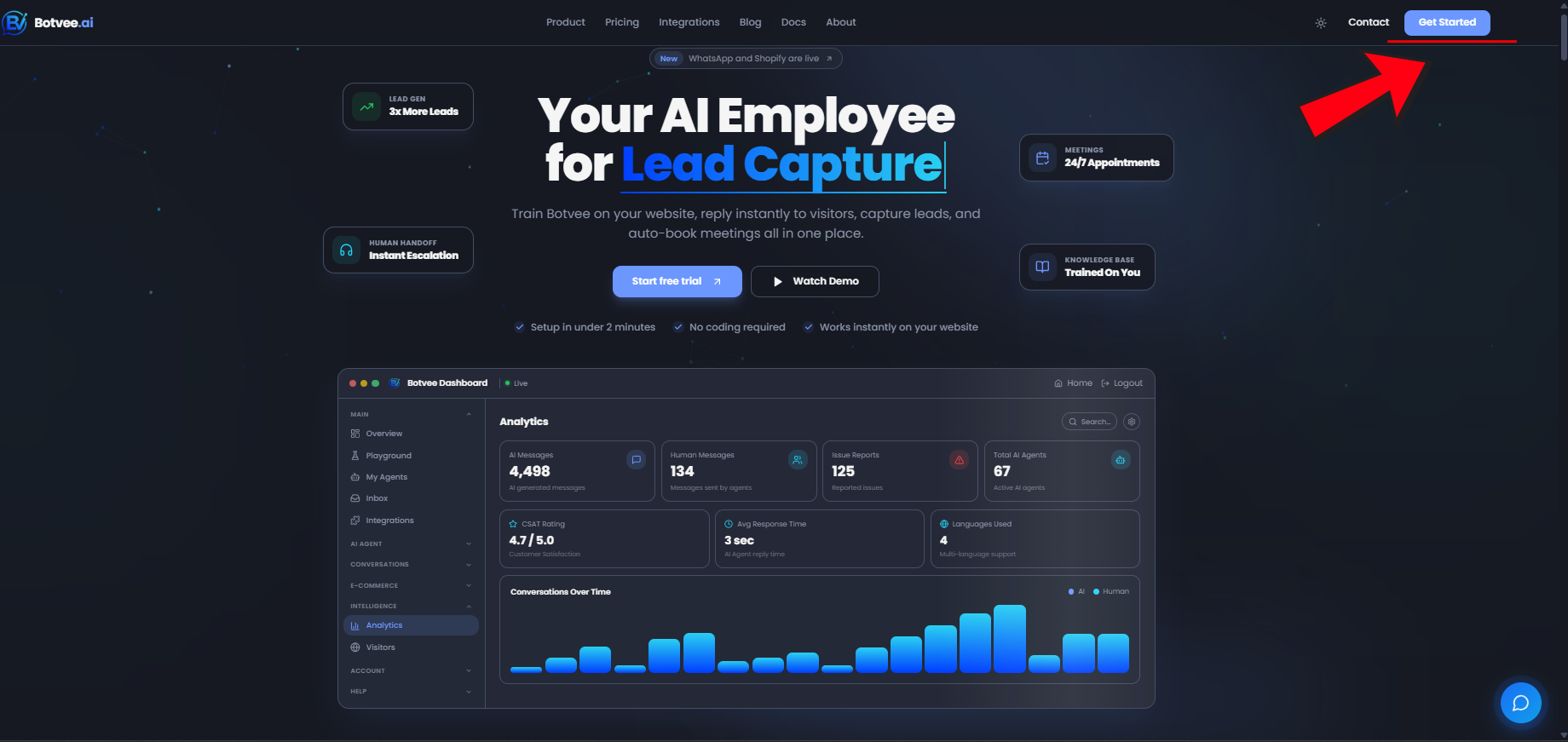
Head to Botvee and click Get Started in the top-right corner.
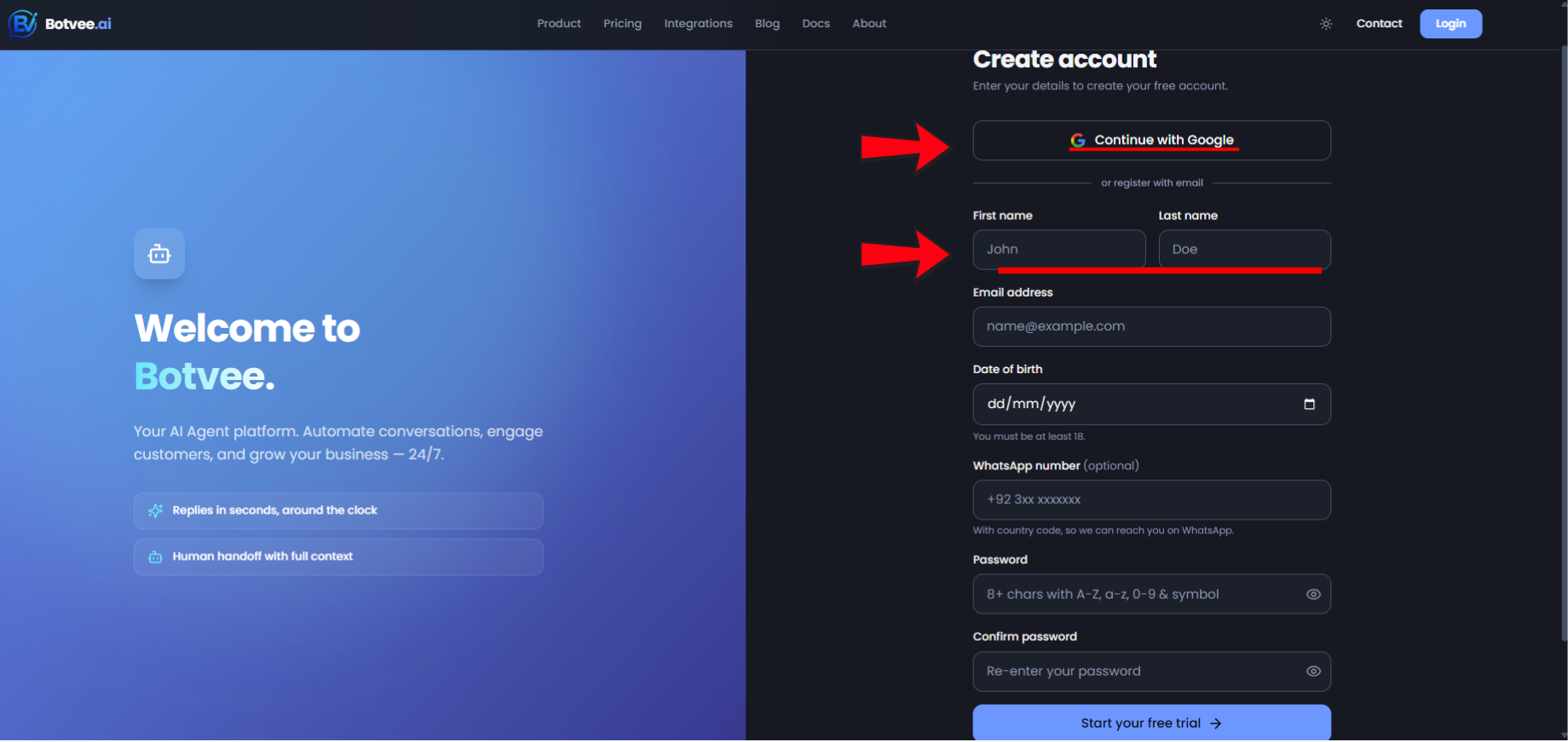
You can sign up two ways: click Continue with Google to register in one tap, or fill in your details manually below — first name, last name, email, date of birth, and a password. Either way, you get a 7-day free trial and no credit card is required to start.
In the dashboard, open My AI Agents and click Create agent.
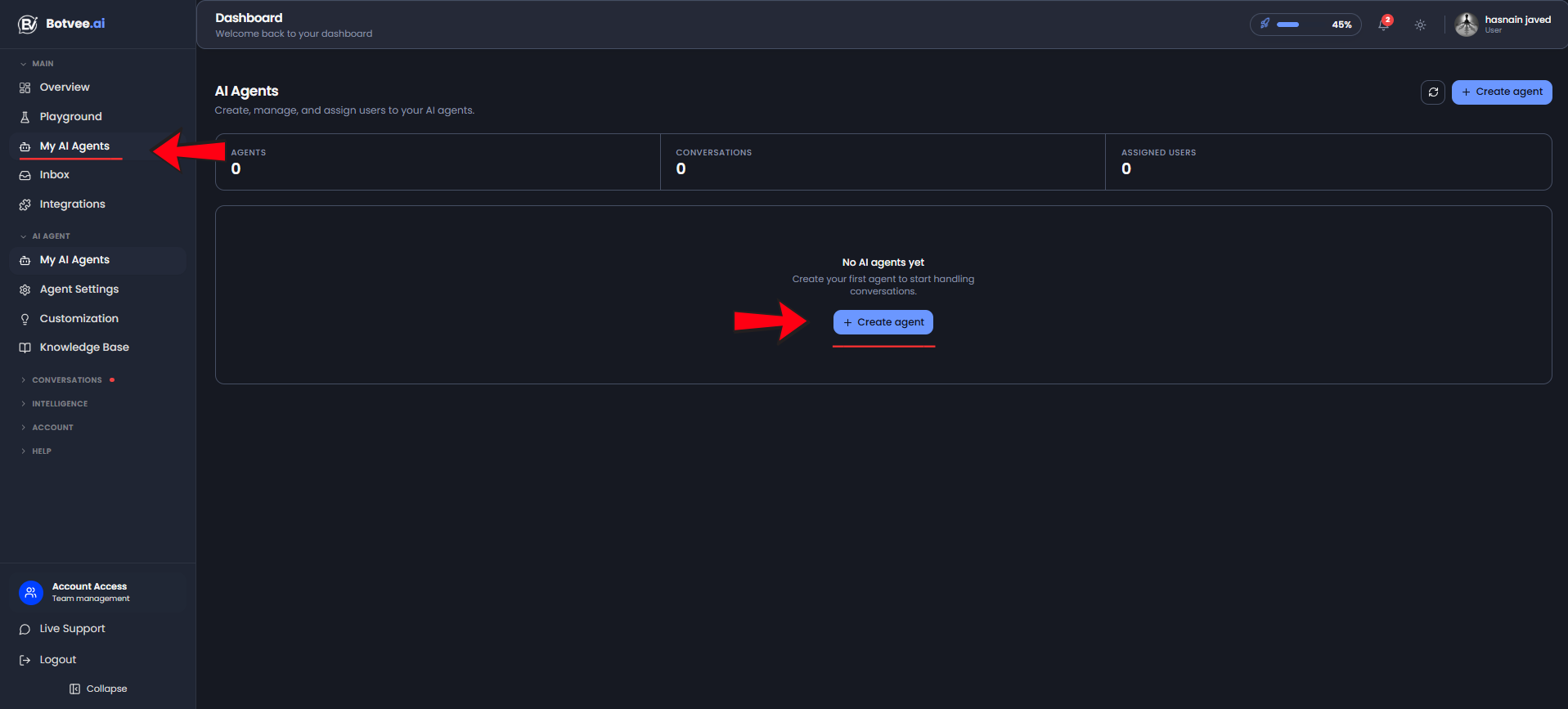
The template picker opens on the left with 10+ ready-made templates — Dental Clinic, Real Estate, E-Commerce Store, Restaurant, Law Firm and more. Pick the one that matches your field, or click Start from Scratch to build your own.
Either way, the details form opens on the right. Enter your agent's name and website URL (skip the URL if you don't have a site), choose the tone, and review the system prompt — it's pre-filled from the template, so just add any extra guidelines. Click Next Step.
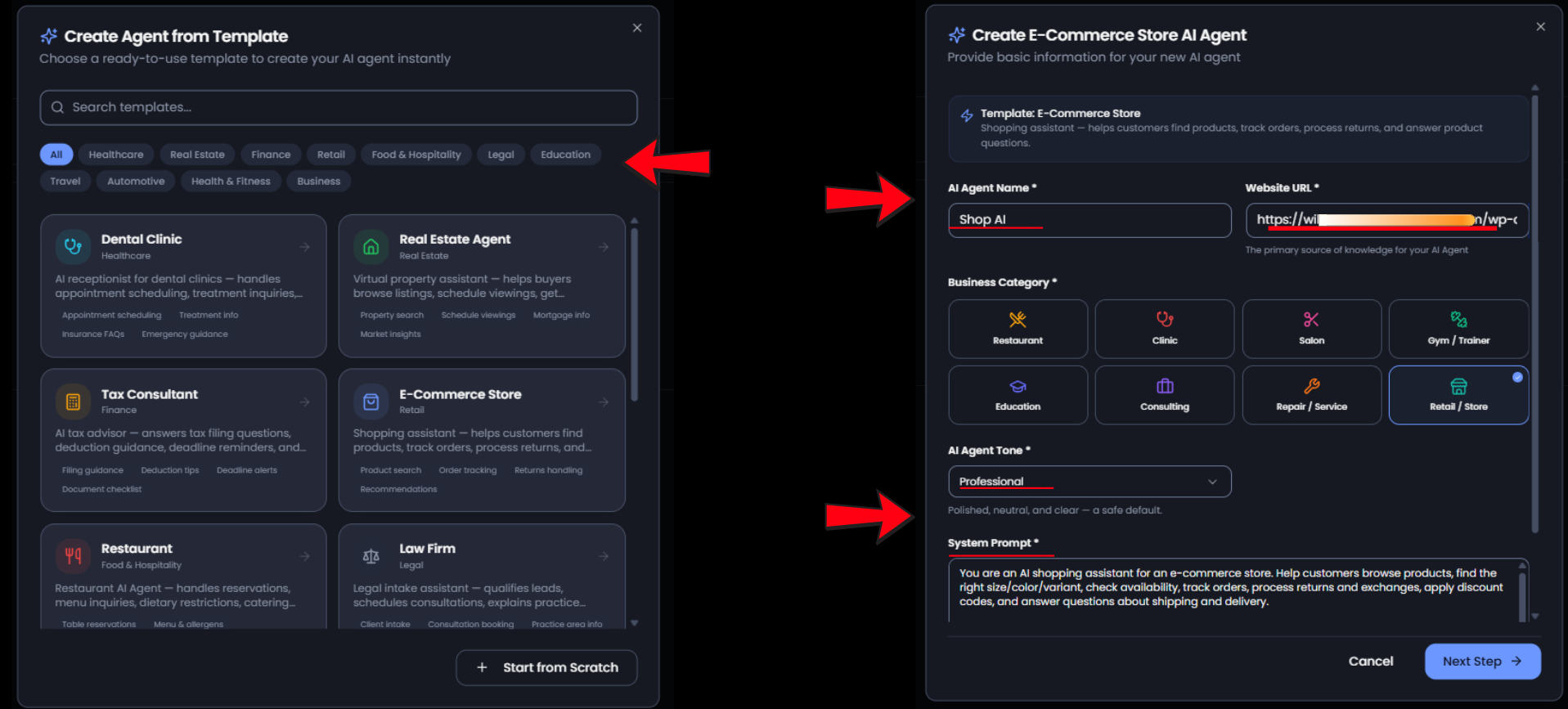
On the Knowledge Library step, select the pages Botvee crawled, or Upload your own PDFs and FAQs, then click Create & Train AI Agent.
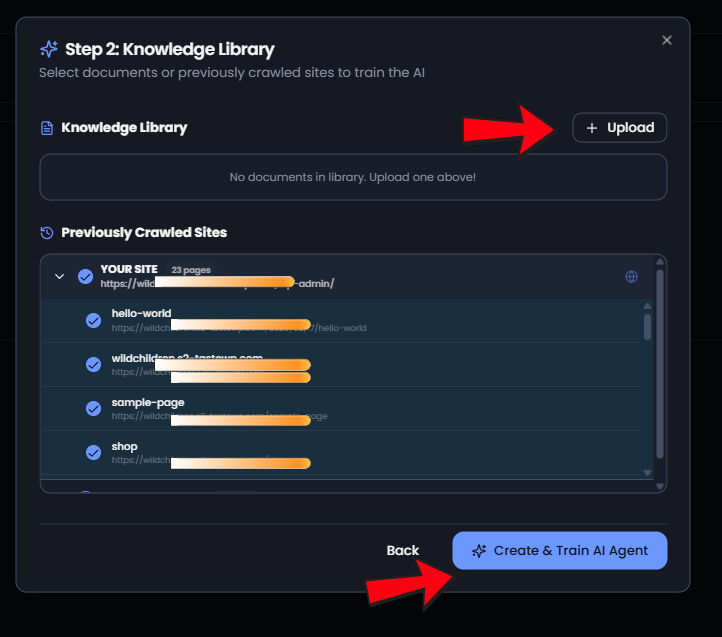
Botvee crawls your pages and builds the knowledge base. In our run it processed 23 pages in under a minute. Once it hits 100%, your agent turns Active. After that, click Playground.
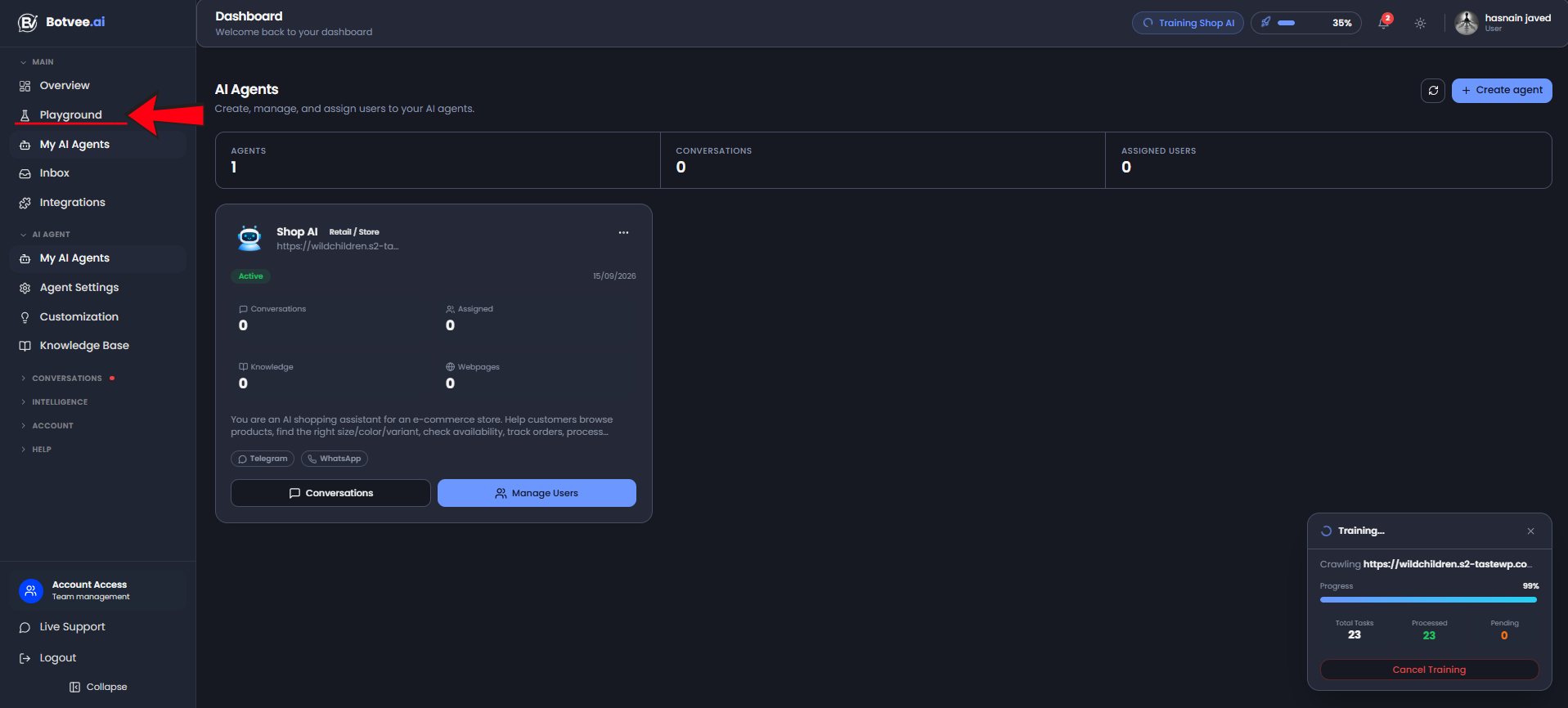
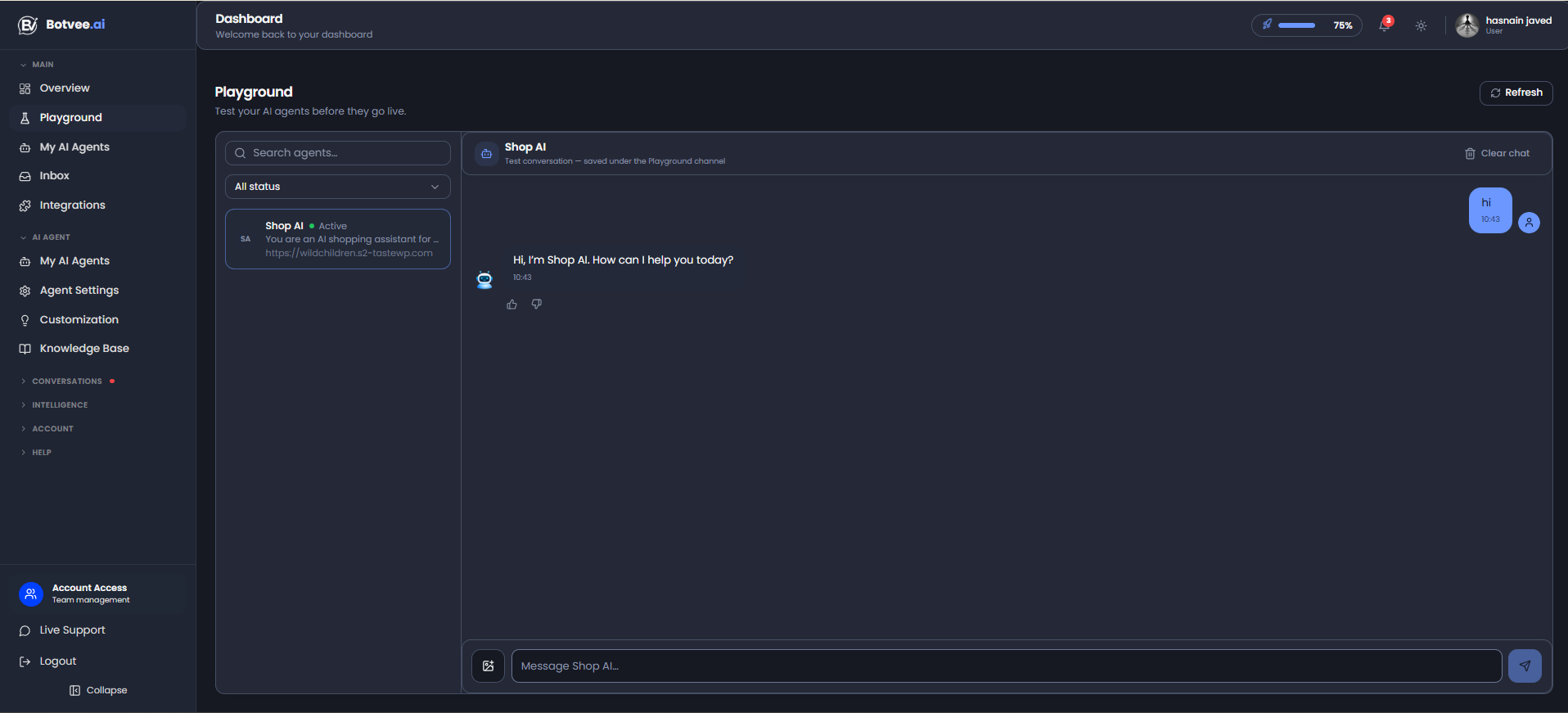
Before going live, open Playground and chat with your agent to make sure the answers are right.
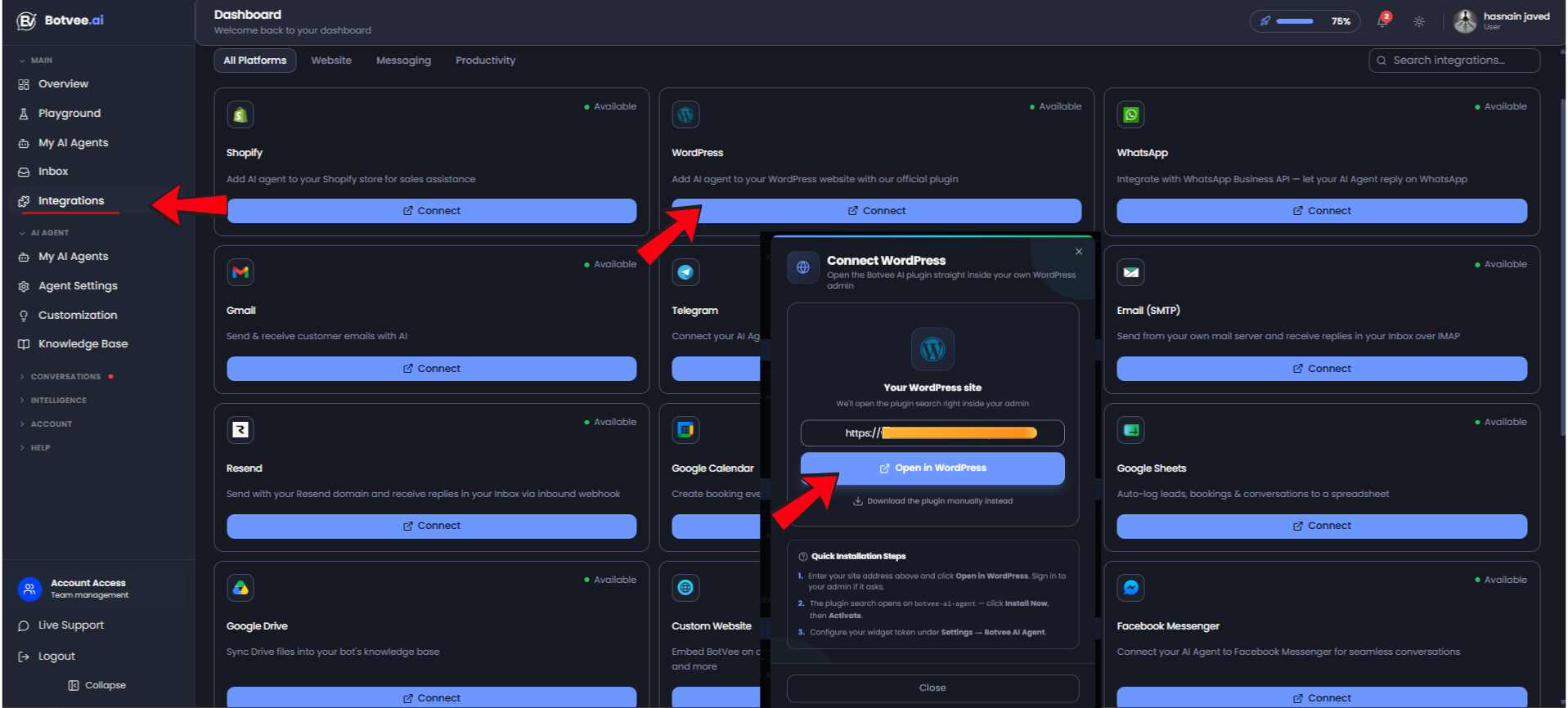
Go to Integrations, find the WordPress card and click Connect. In the pop-up, click Open in WordPress. Not on WordPress? The same page has a Custom Website option that embeds Botvee with a single script tag (plain HTML, React, Next.js and more).
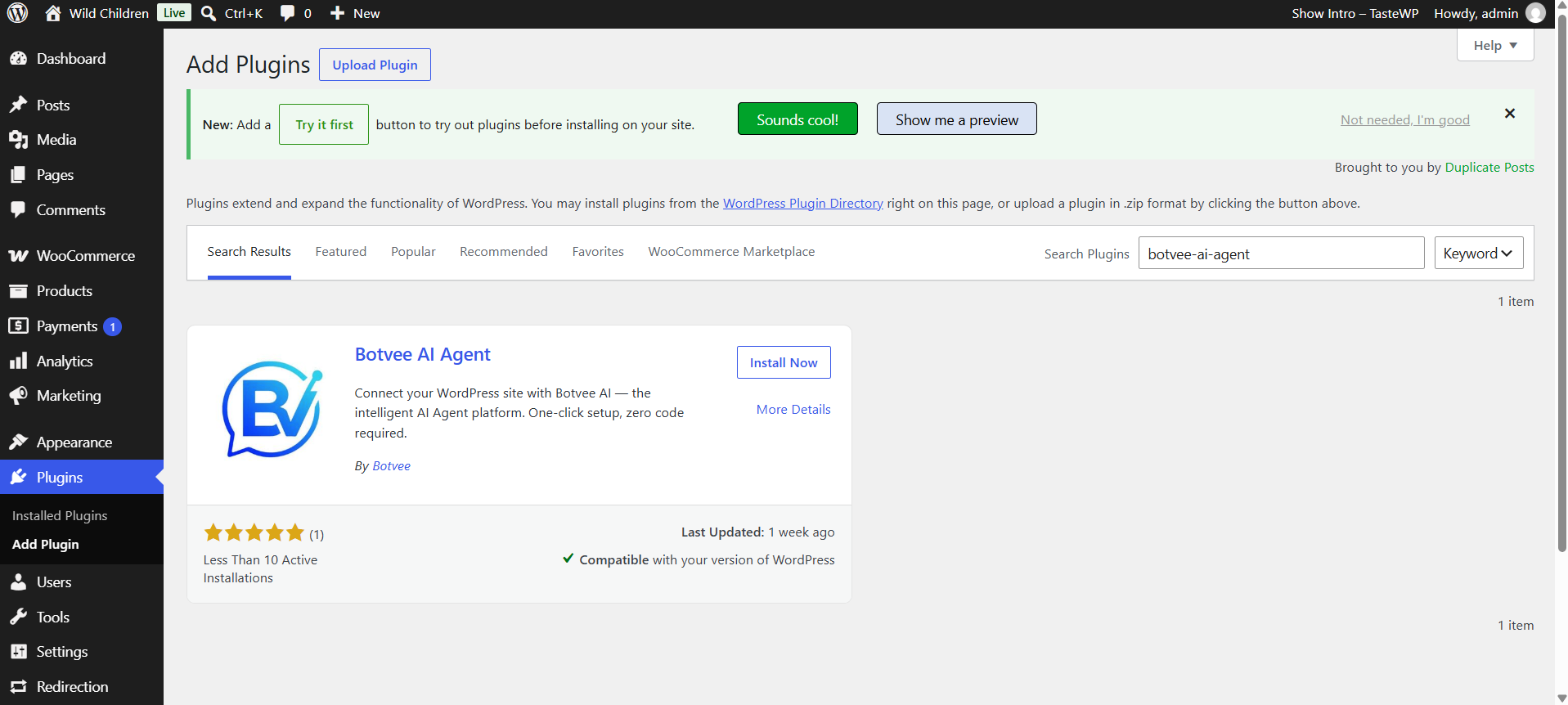
In your WordPress admin the plugin search opens on Botvee AI Agent. Click Install Now, then Activate — a free, one-click install from the WordPress plugin directory.
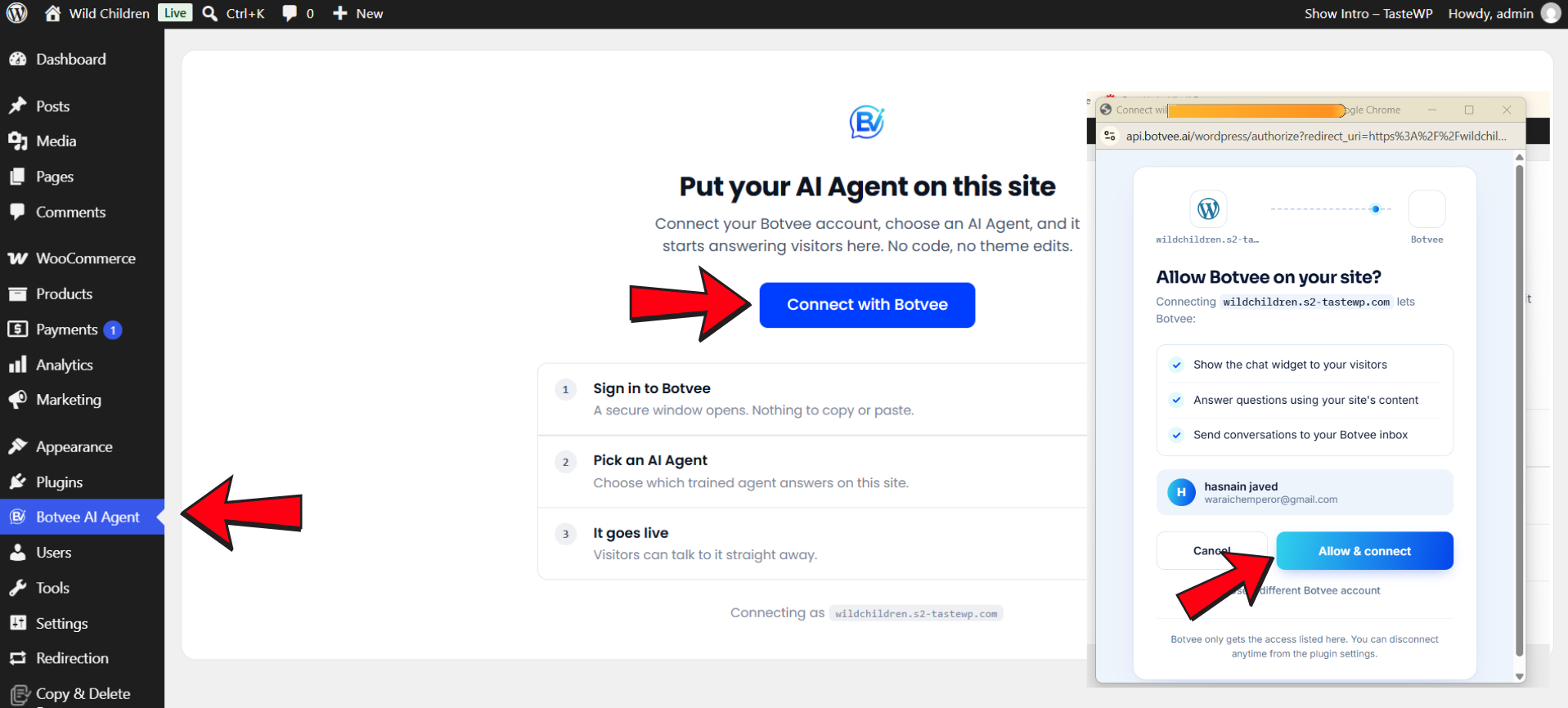
Open the Botvee AI Agent menu and click Connect with Botvee. A secure window lists what it can do — click Allow & connect.
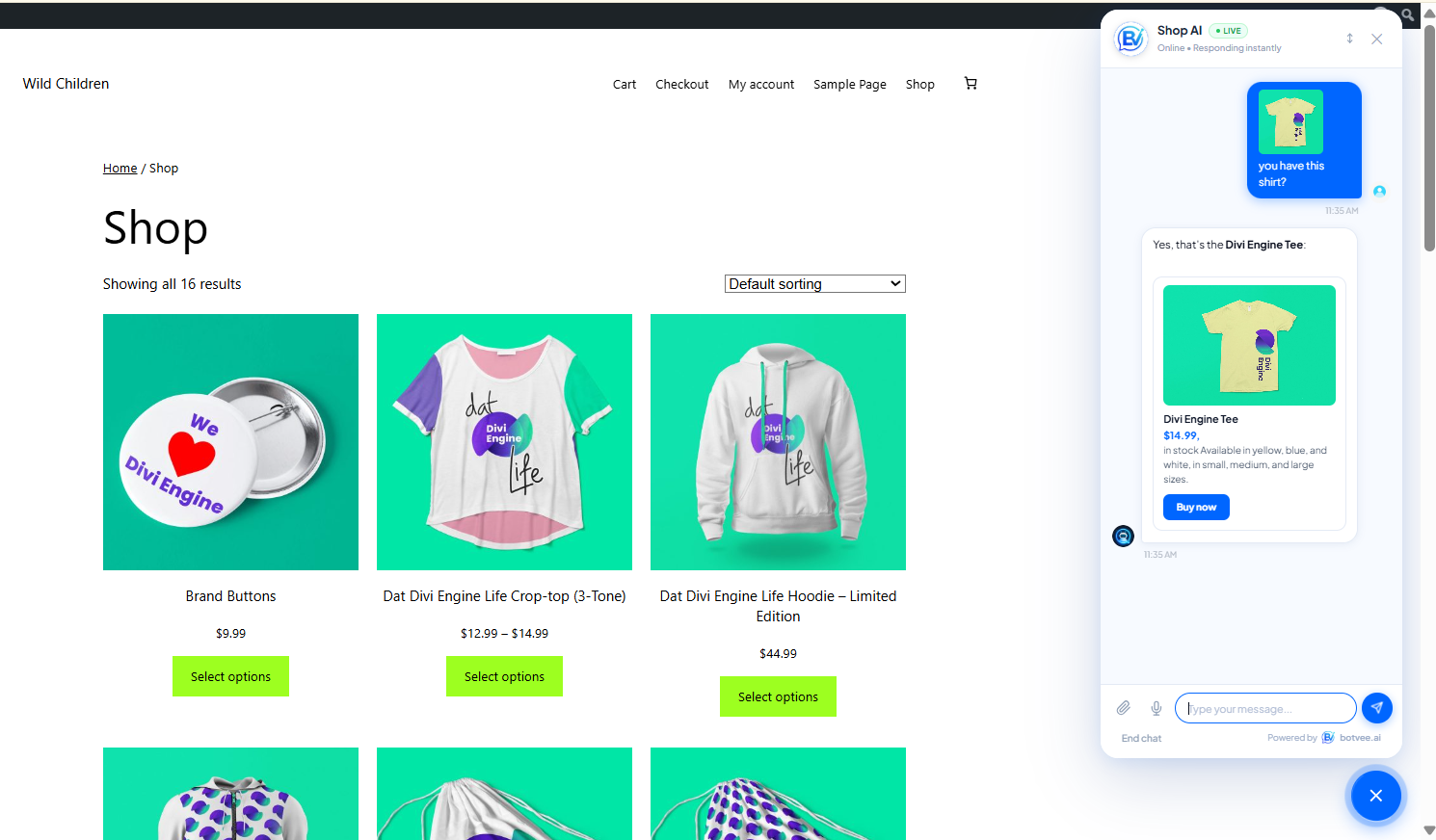
That's it. Visit your site and the chat bubble is there in the corner — answering instantly, recommending products, and pulling real details from the pages you trained it on.
No. If you don't have a website yet, you can still train your AI agent on documents — PDFs, FAQs, price lists — and add it to WhatsApp, Facebook, Instagram, and Telegram instead. A website is optional, not required.
Every plan starts with a 7-day free trial and no credit card. Paid plans are 20% cheaper billed annually.
| Plan | Price (monthly) | AI agents | AI messages |
|---|---|---|---|
| Free Trial | $0 for 7 days | 1 | 50 |
| Starter | $6.99 | 1 | 500 |
| Growth | $28.99 | 3 | 2,500 |
| Pro | $98.99 | 5 | 10,000 |
| What matters | Botvee AI agent | Traditional live chat |
|---|---|---|
| Availability | 24/7, replies in ~3 seconds | Business hours, human-paced |
| Setup | ~5 minutes, no code | Agents to hire and train |
| Knowledge | Trained on your site & docs | Only what the agent knows |
| Handoff | Escalates with full context | Manual, context often lost |
| Channels | 8+ from one agent | Usually website only |
No. The whole flow is point-and-click: connect your account, install the plugin, and click connect. No theme edits and nothing to paste.
Usually a minute or two. In our test Botvee crawled and processed 23 pages in under 60 seconds, then the agent went live immediately.
Yes. The same trained agent runs across your website, WordPress, WhatsApp, Facebook, Instagram, Telegram, and email — you connect each channel from the Integrations page.
Botvee encrypts data in transit and at rest, supports two-factor authentication and role-based access, and only uses your content to answer your own visitors.
An insider’s overview of AI-powered customer support in 2026, with real figures, Pakistan-specific insights, cost reality checks, and practical takeaways.
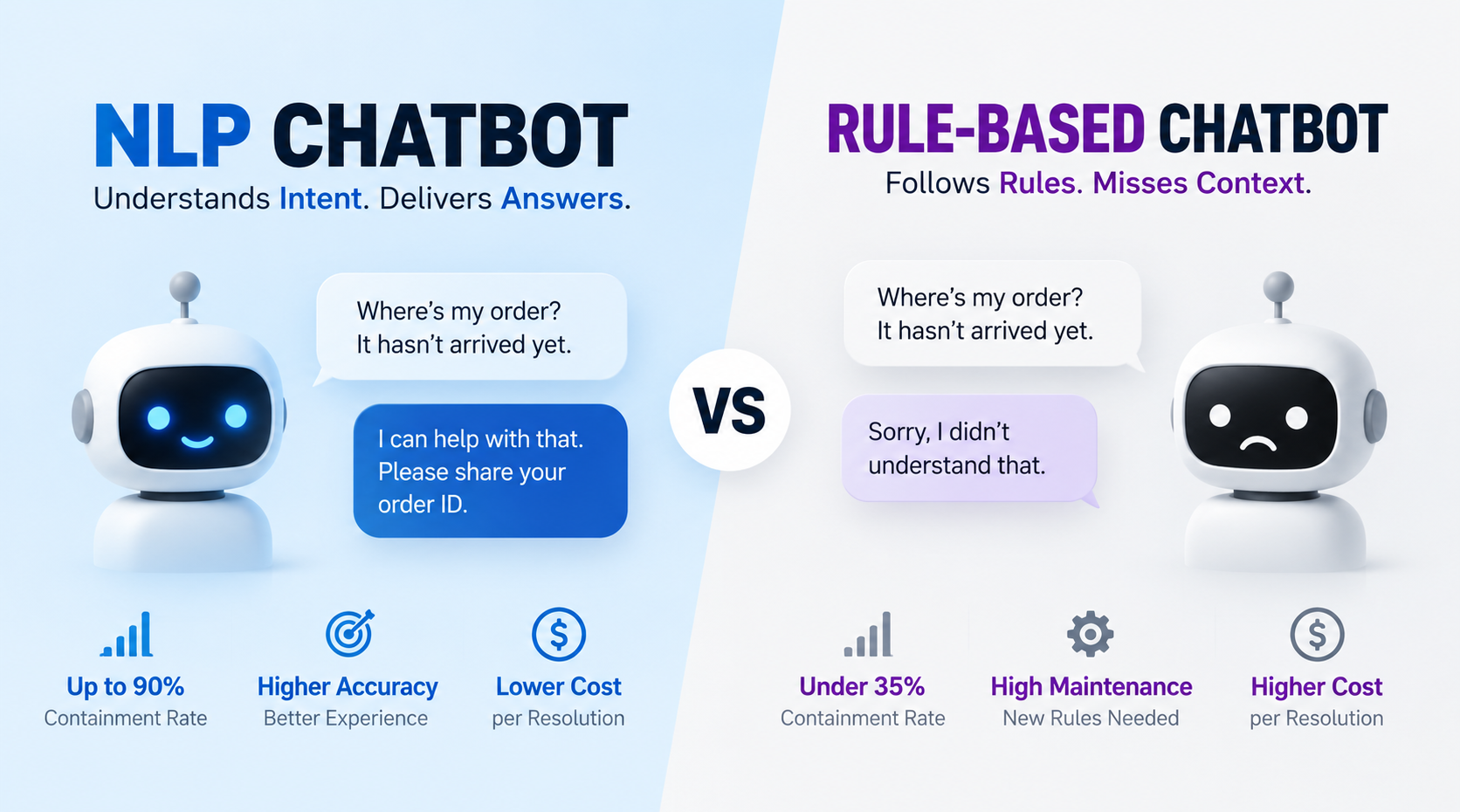
Compare NLP and rule-based chatbots on speed, accuracy, containment, and cost. See 2026 benchmarks and choose the right one to actually reduce your support costs.
Get the latest AI support insights, strategies, and product updates delivered to your inbox weekly.
No spam. Unsubscribe anytime.